

Firefox 151 shipped with a genuinely different New Tab page — a refreshed layout and design that Mozilla says exists specifically to enable a wave of upcoming features, including widgets and shortcuts improvements, arriving across versions 151 and 152.
That’s a notable framing choice. Mozilla isn’t calling this a cosmetic refresh. It’s calling it the foundation for something else.
What’s Confirmed So Far, and What’s Still Coming
Version 151’s actual release included the visual overhaul itself, along with new wallpaper options, faster private session clearing, stronger anti-fingerprinting protections, PDF merging, and expanded Web Platform support for things like Web Serial and local network access permissions. Version 152 followed with Smart Window improvements — tab-closing requests with confirmation and undo, browsing history results that now show images, and clearer feedback controls when reporting an issue.
Mozilla’s own release notes describe the New Tab layout as designed to enable widgets to shortcuts improvements arriving between versions 151 and 152, though the specific shortcut features themselves haven’t fully materialized in public release notes yet. New Tab pages, across every major browser, function as the de facto home for quick access to frequently visited sites — Top Sites tiles, pinned shortcuts, and similar features live there specifically because it’s the first thing people see. Rebuilding that layout as a stated prerequisite for shortcut-related upgrades is a meaningful signal about where Mozilla is heading, even before the specific features land.
How This Compares to Chrome and Edge’s New Tab Pages
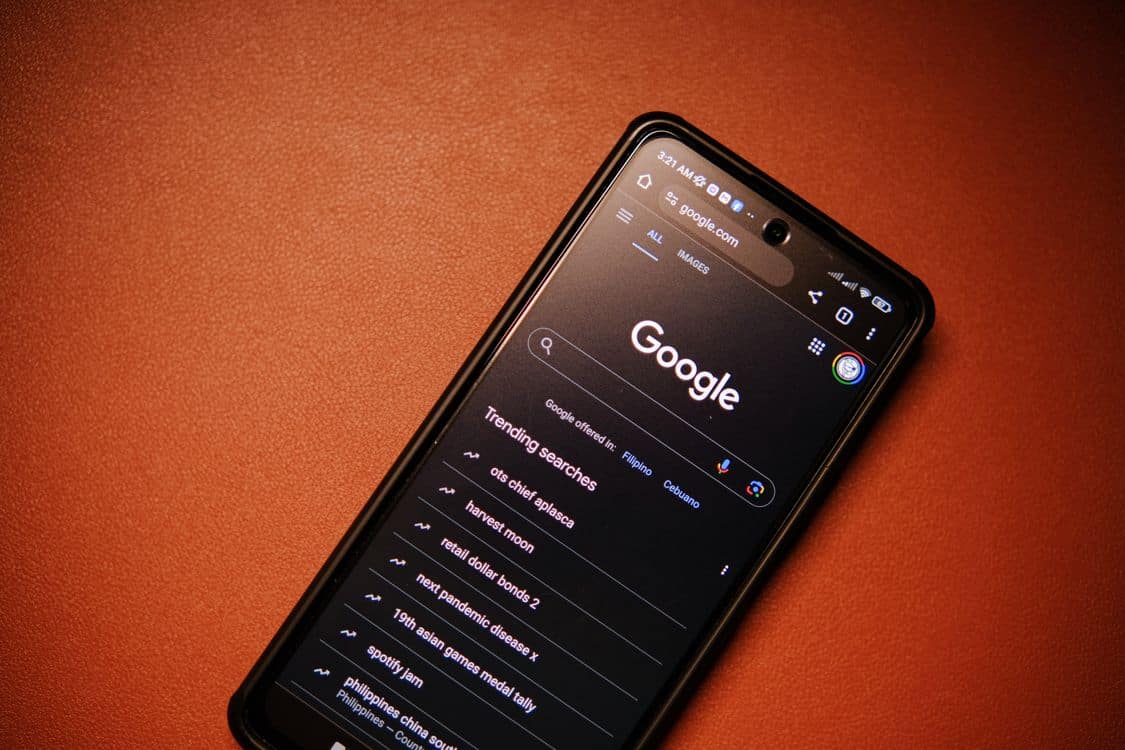
Chrome’s New Tab page already blends Top Sites shortcuts with the bookmarks bar and, in some builds, a Gemini-powered side panel — a denser layout than Firefox’s has historically offered. Edge’s New Tab page leans on Microsoft Start content and quick links, with its own customization options for what appears. Firefox’s redesign appears to be aiming at something in between: keeping the page simpler than Chrome’s increasingly AI-integrated version while giving Mozilla room to add the kind of shortcut flexibility Chrome and Edge users already have. Whether Firefox actually closes that gap depends entirely on what ships in the shortcut features still to come.
Why a New Tab Redesign Is Bookmark-Adjacent, Not Just Cosmetic
A lot of people’s actual daily bookmark share behavior doesn’t happen in the bookmarks bar at all — it happens through whatever quick-access shortcuts show up on the New Tab page. If Firefox is rebuilding that surface specifically to support better shortcuts, it’s effectively rebuilding one of the primary ways people interact with saved sites day to day, whether or not Mozilla is framing it using the word “bookmarks.”
Worth noting: nothing in the confirmed 151 or 152 release notes mentions cross-browser sync as part of this work. Whatever shortcut improvements arrive will very likely still be scoped to Firefox itself, consistent with how Firefox Sync has always worked — syncing Firefox to Firefox, and nothing else.
The Gap That Persists No Matter How Good Firefox’s Shortcuts Get
Even a genuinely great New Tab shortcuts system solves exactly one browser’s version of the problem. It won’t help the moment someone opens Chrome, Edge, or Safari and finds none of those same shortcuts waiting for them. That’s the piece that stays constant regardless of how any single browser redesigns its own New Tab experience.








Leave a Comment